Generate Kernels through your operator definitions#
After signing in to KernelGen, you will see the welcome page.
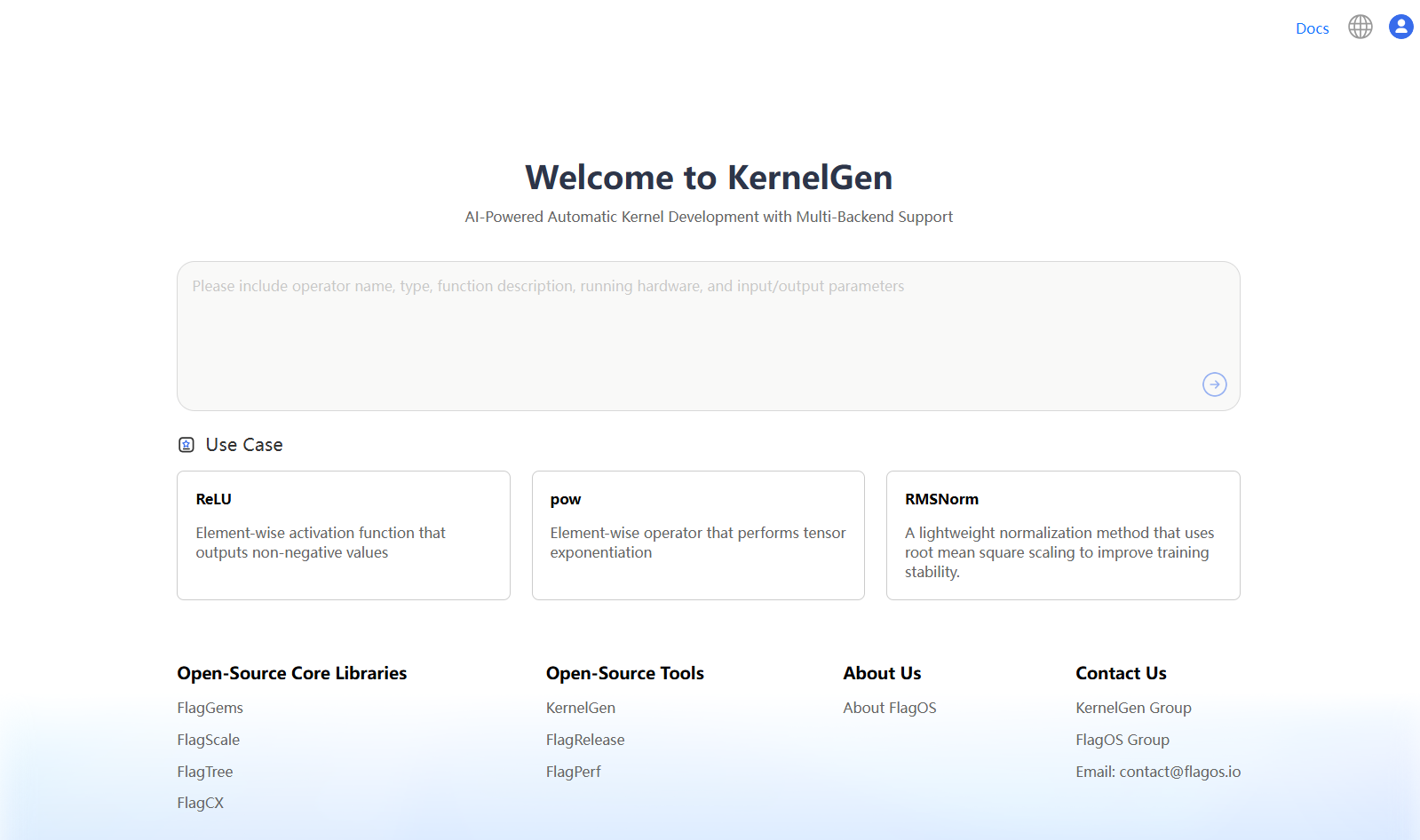
On the welcome page, perform the following steps to generate Kernels:
In the text box, enter the prompts for operator definition generation, and then click
 .
.The prompts for operator definition generation must include information about the following:
operator name
function description
input parameters and data type
output parameters and data type
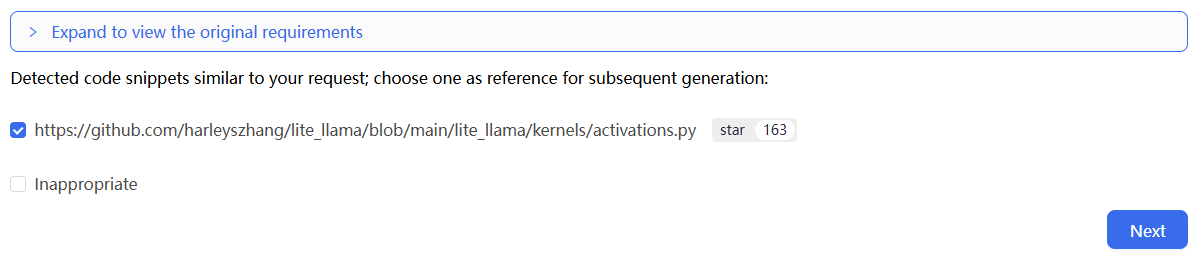
KernelGen searches for a list of GitHub repositories to find code snippets similar to the operator definitions. For more information about the list of GitHub repositories, see Repository list.
Click each URL to view the corresponding code snippet in the right panel.
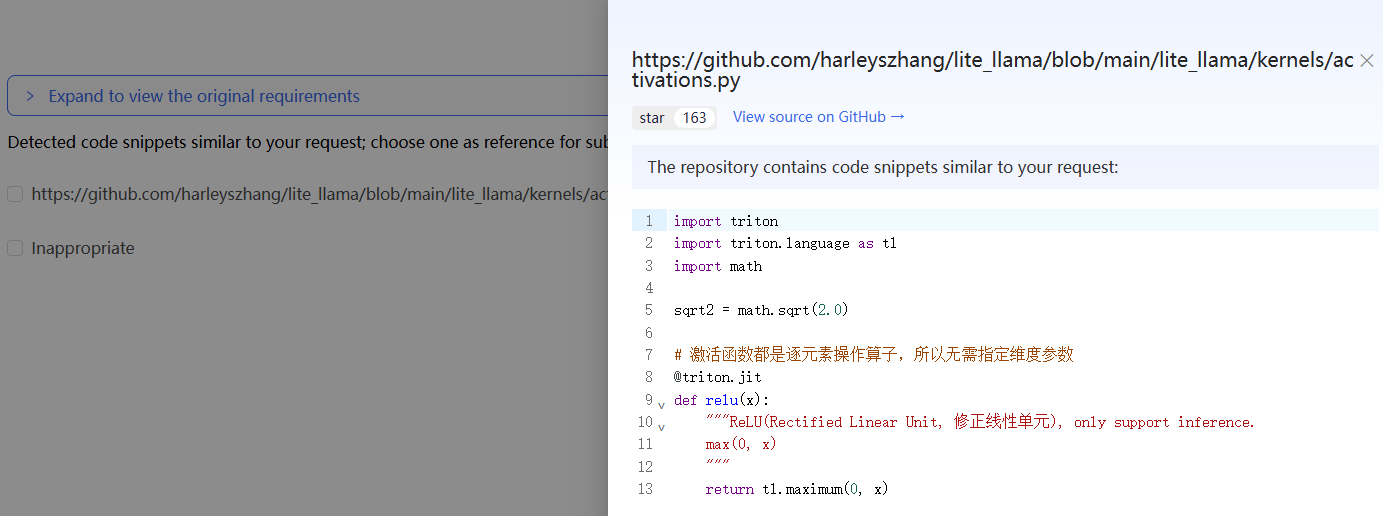
You can also view the source of code snippets from GitHub or view the original requirements:
To view the source of code snippets, click View source on GitHub in this panel.
To view the original requirements, close this panel and click Expand to view the original requirements on the top.
Select one or more URLs of repositories for reference or select the direct generation checkbox, and then click Next.
In the confirmation dialogue box, click Confirm.
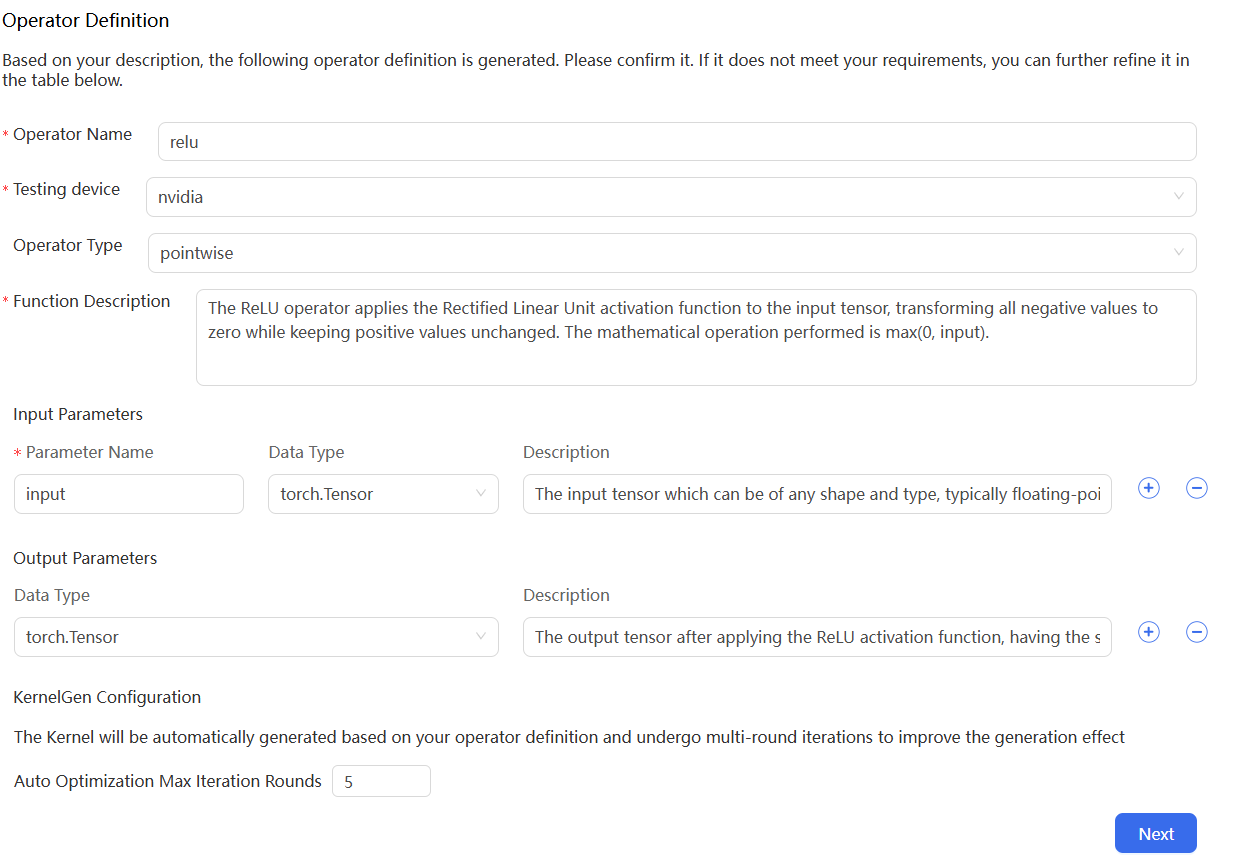
On the operator definition and configuration page, modify the following parameters and configuration if needed, and then click Next:
In the Operator Definition section, modify the following parameters:
Operator Name: Extracted from your operator definitions.
Testing device: The operator testing device. This is different from the operator generation device you included in your prompts.
Operator Type: Inferred from your operator definitions.
Function Description: Extracted from your operator definitions.
Input Parameters: Extracted from your operator definitions.
Output Parameters: Extracted from your operator definitions.
In the KernelGen Configuration section, modify the following configuration:
Auto Optimization Max Iteration Rounds: The maximum number of iterations KernelGen attempts to pass the correctness test.
In the confirmation dialogue box, click Confirm.
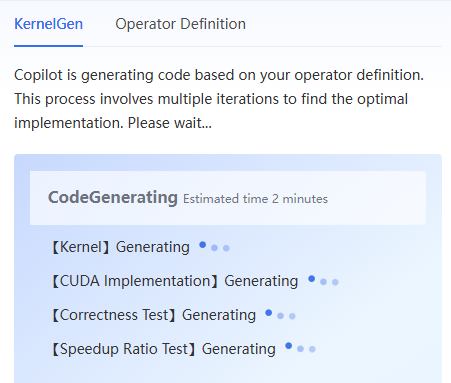
KernelGen begins to perform Kernel code generation, CUDA implementation, Correctness Test, and Speedup Ratio Test.
In the KernelGen panel on the right, check the statuses of the Kernel, CUDA Implementation, Correctness Test, and Speedup Ratio Test.
The statuses turn to Generating.