
Login#
If you signed out and want sign in KernelGen, perform the following steps:
Access https://KernelGen.flagos.io/login in your browser.
Click Workspace.
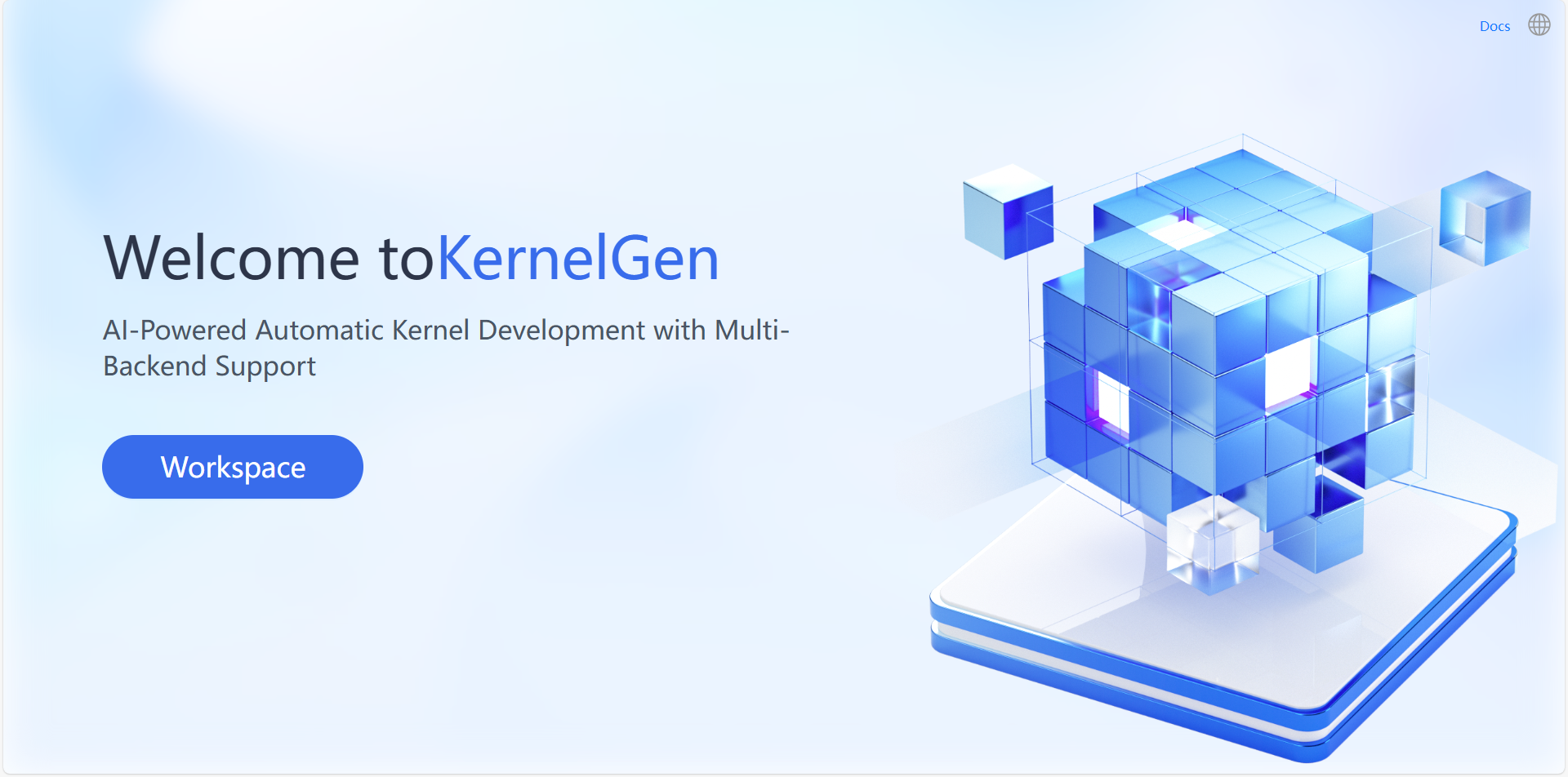
Sign in to KernelGen through phone number or Email address:
In the Login/Sign up window, click the Phone Login tab or the Email login tab.
Enter your phone number or Email address, and then click Get Code.
Enter the received verification code for your phone number or Email address.
Read and select the checkbox at the bottom to accept the User Agreement and Privacy Policy terms.
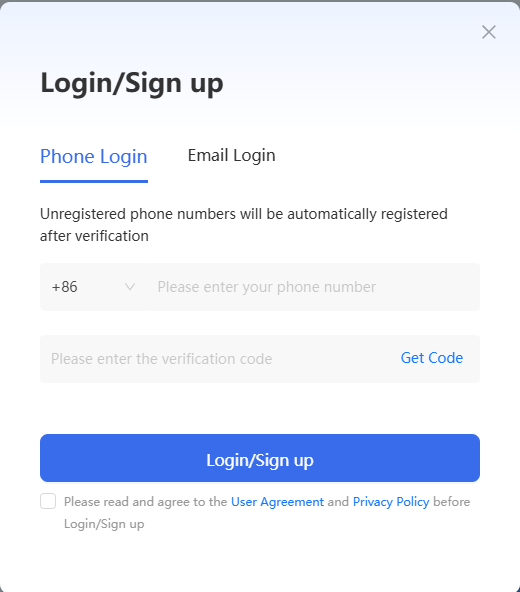
Click Login/Sign up.
The welcome page opens.